What's New in v2.1
- Upgrade price accuracy: Balcony and Suite upgrade prices now align with the Offer Value pipeline.
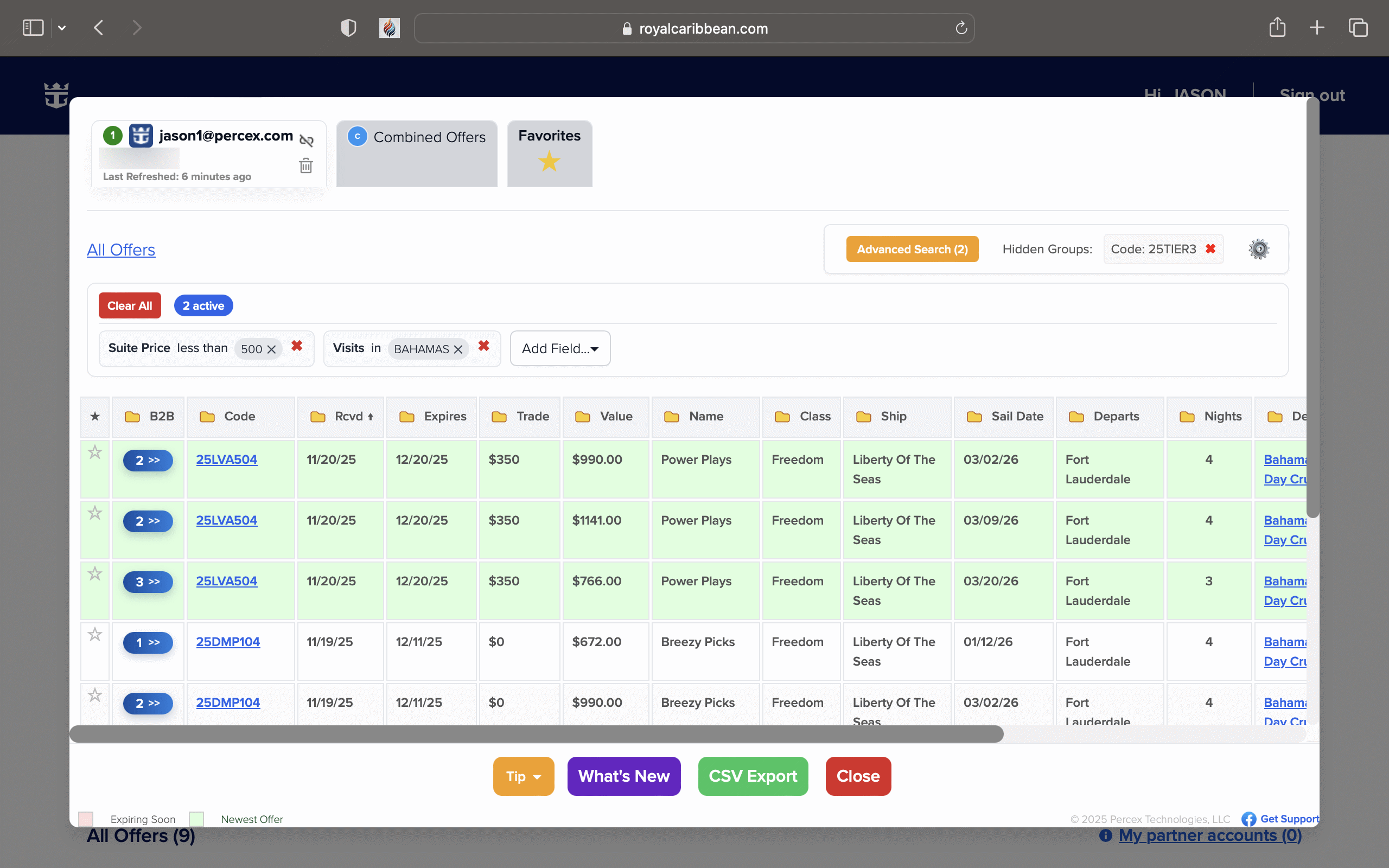
- Advanced Search price filters: Filter by Interior, Ocean View, Balcony, or Suite estimated “You Pay”.
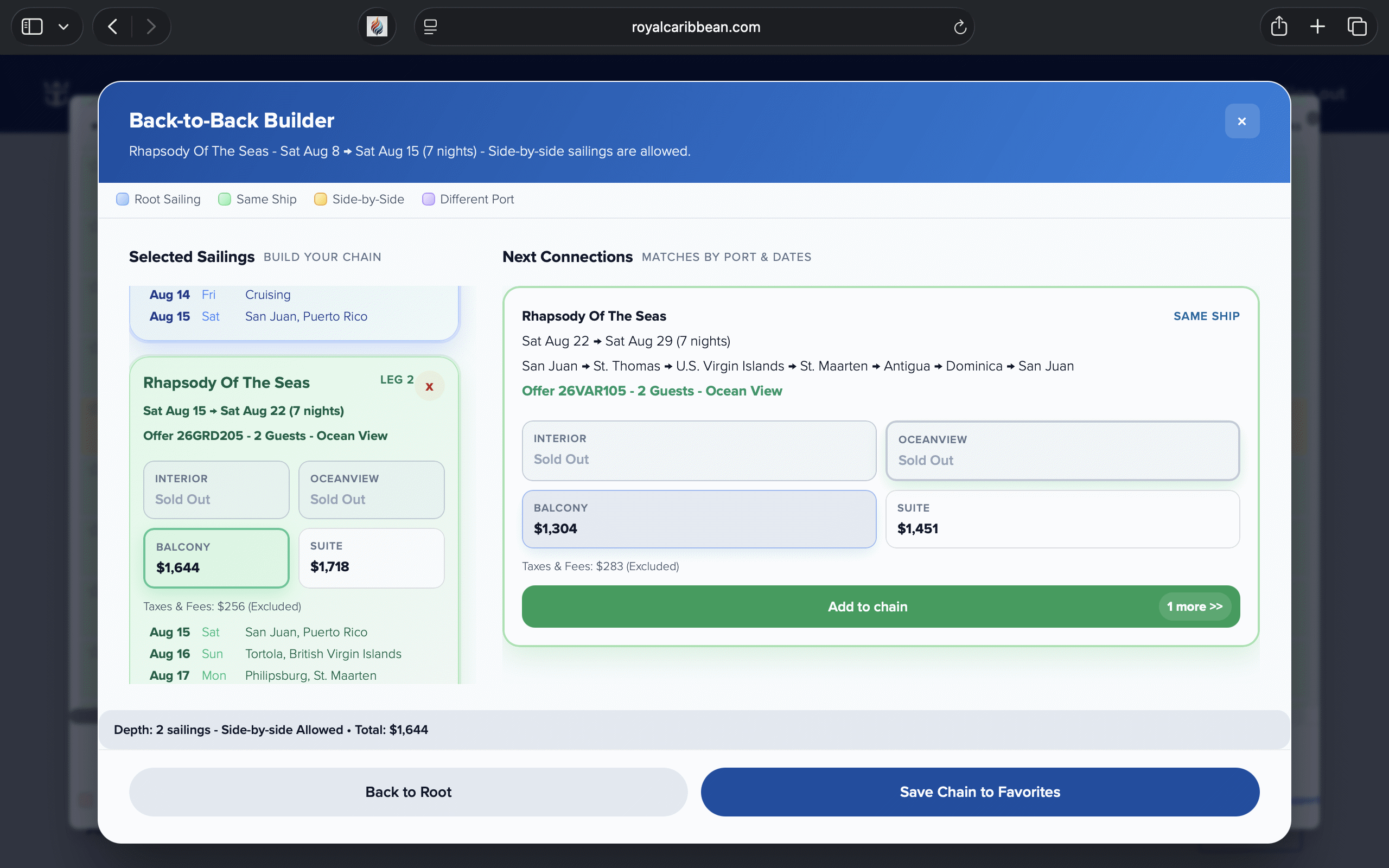
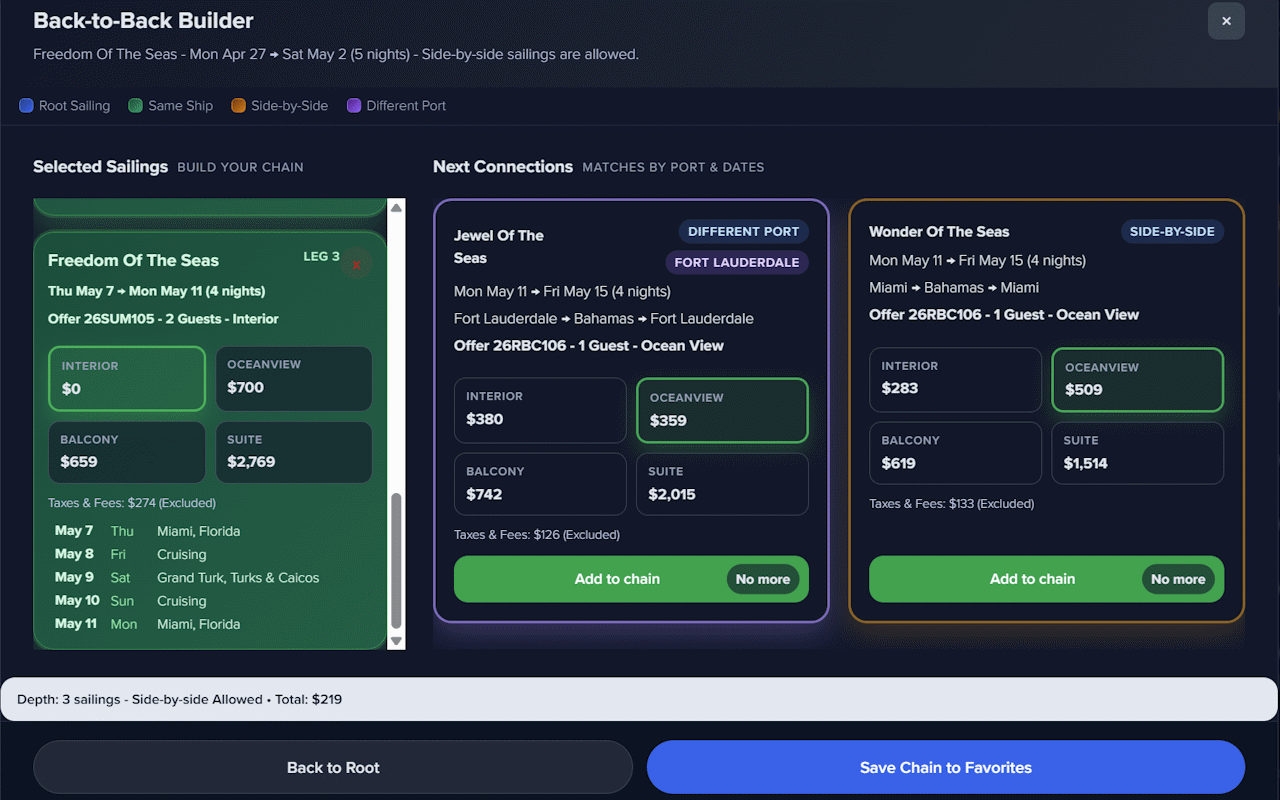
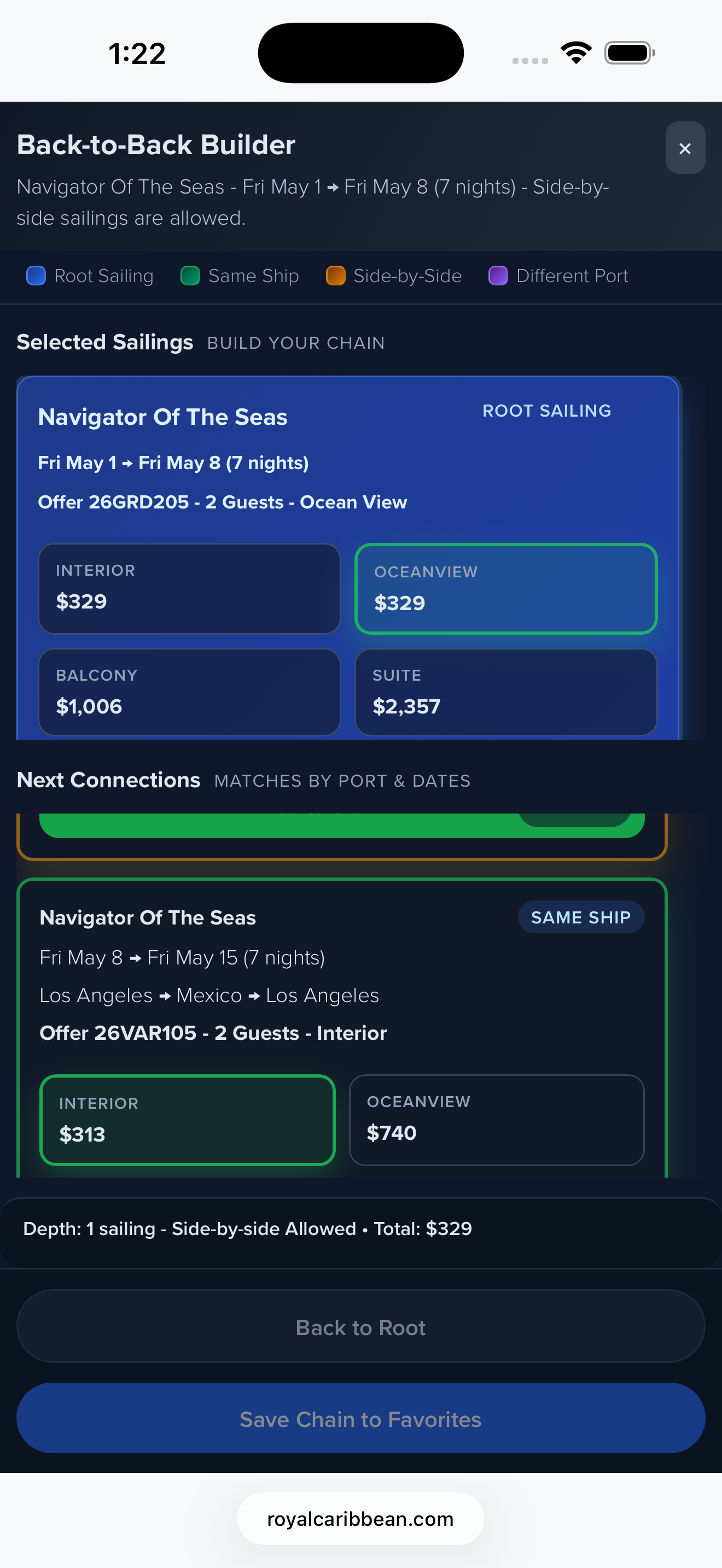
- Back-to-Back Builder: Build same-day connections and save chains into Favorites.
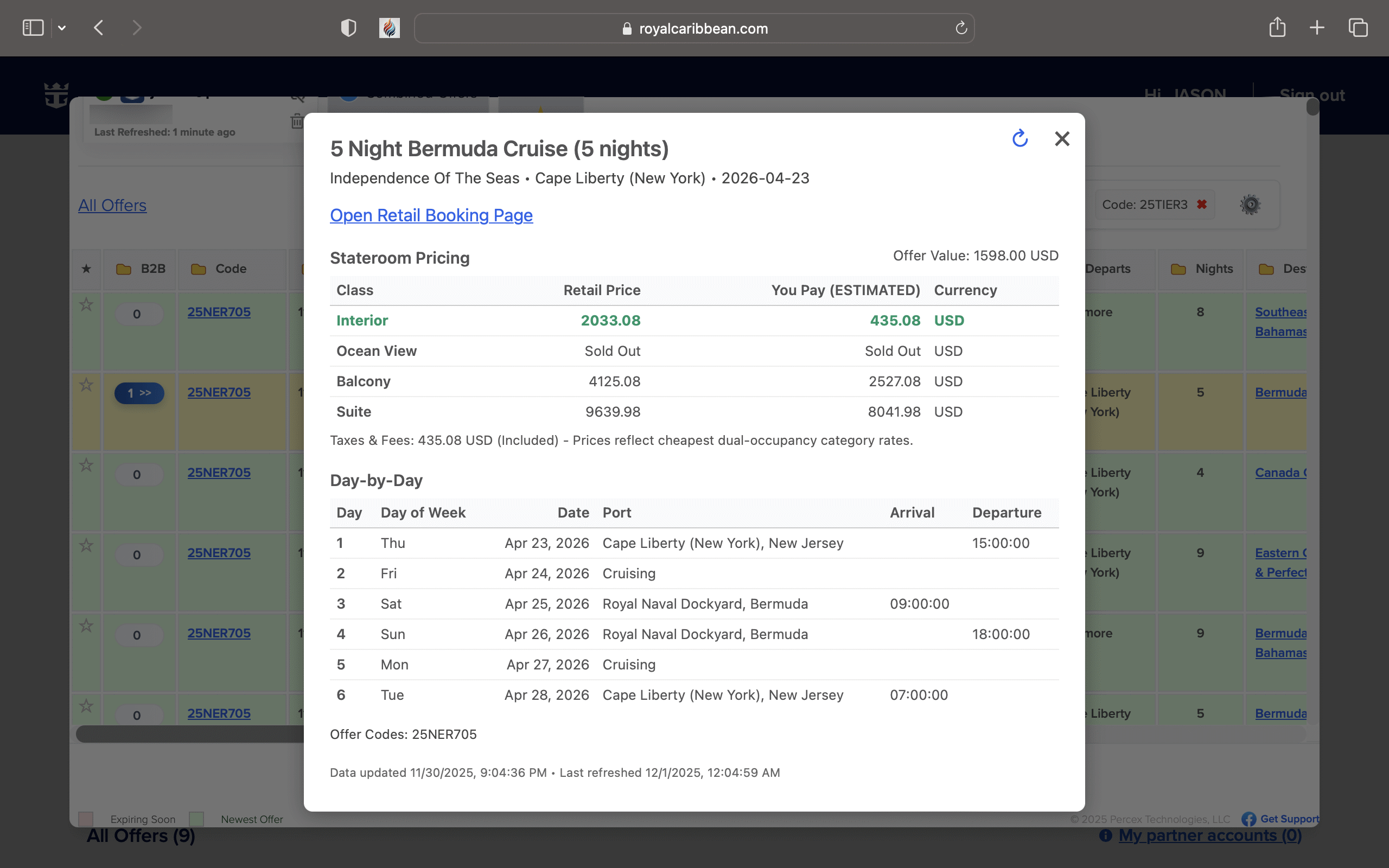
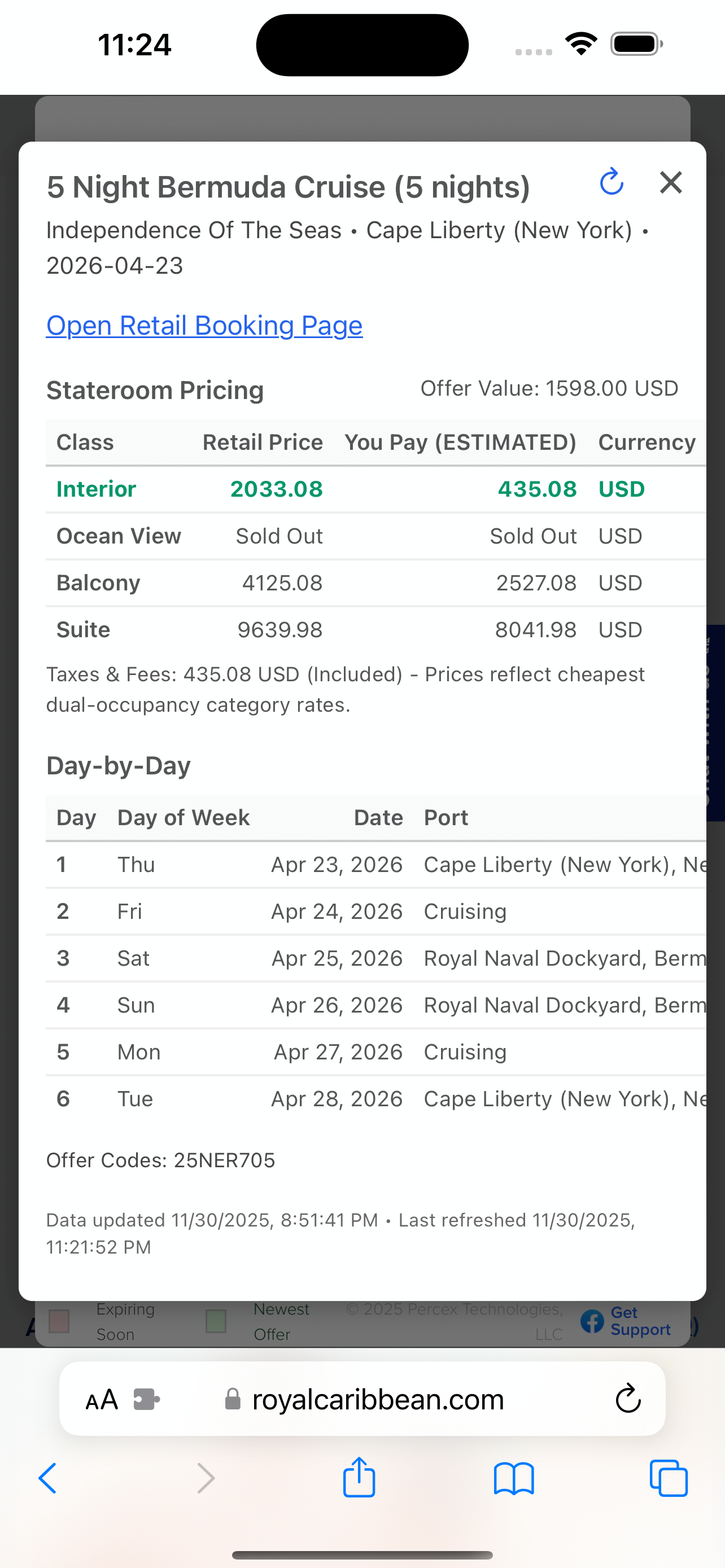
- Itinerary popups: Destination links open detailed route and pricing context.
Smoother, faster offer triage
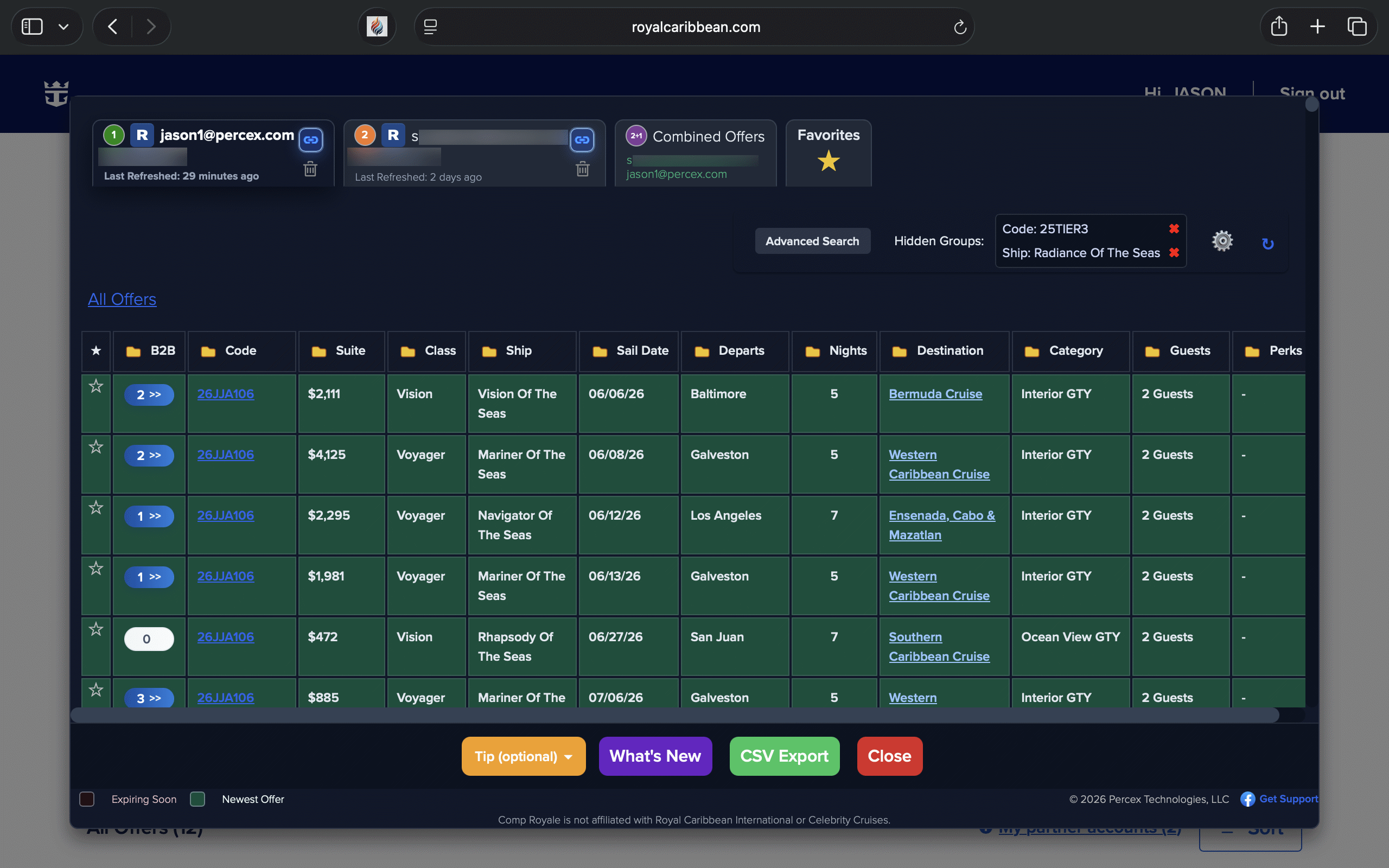
Everything stays local. The extension converts the offers page into a structured table and accordion so you can compare quickly.
1) Open Offers
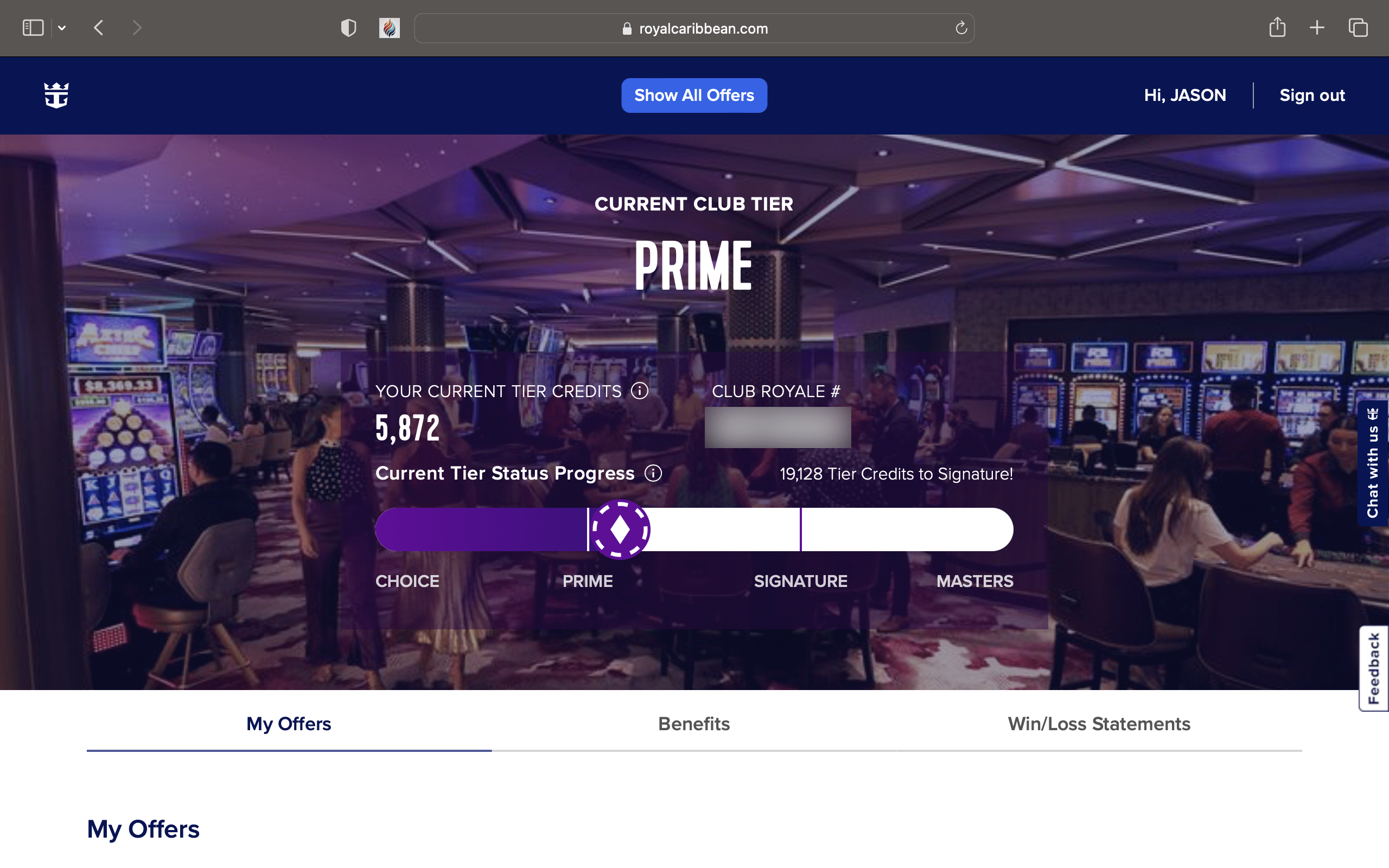
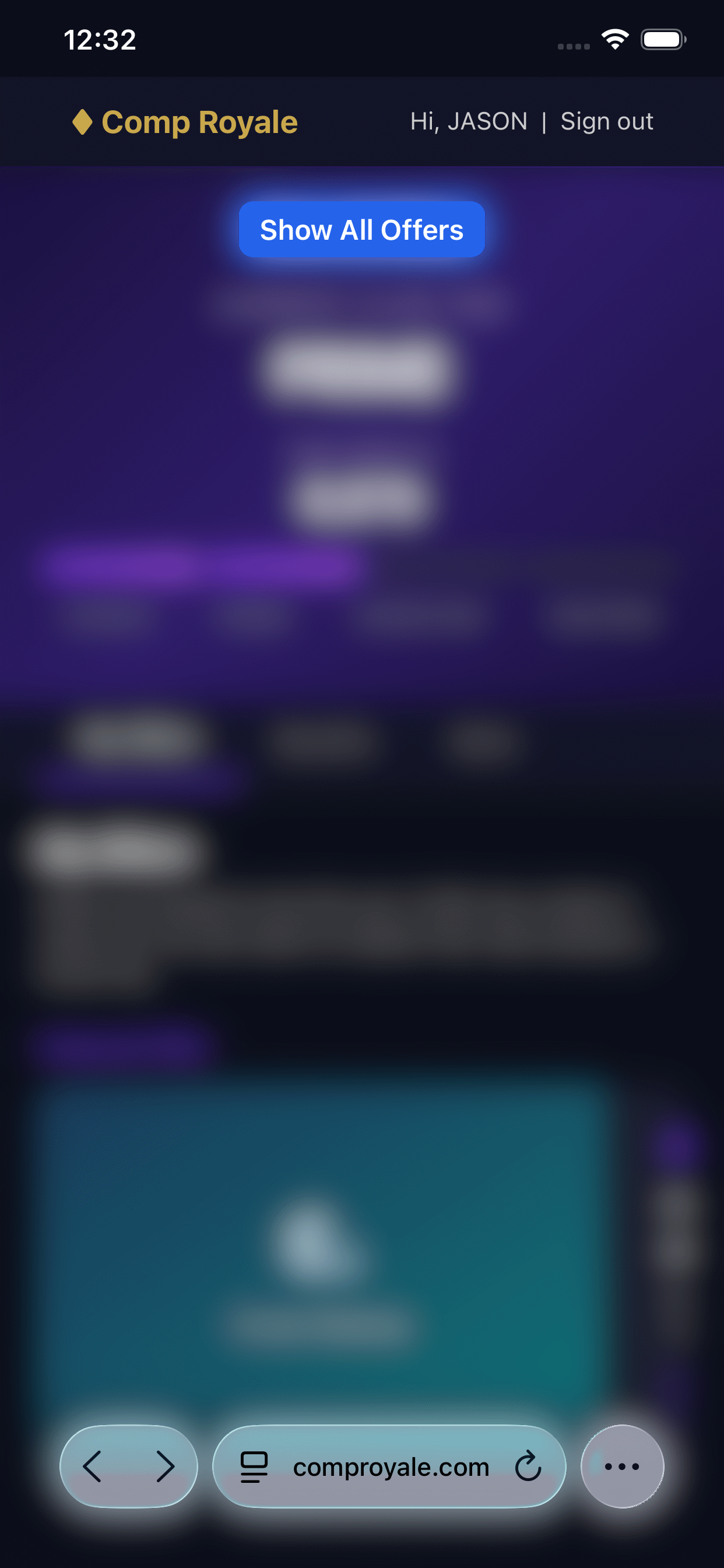
Click Show All Offers on the offers page to load the table and tabs.
2) Compare Fast
Sort, group, and filter by value, sail date, ship, or destination.
3) Go Deeper
Open itinerary links for pricing details and route context.
4) Save Targets
Star favorites or build back-to-back chains and store them in Favorites.
Built for real comparisons
Stop scrolling endless tiles. Cruise Offers Viewer restructures the page into tidy data so you can compare like a pro. Sort, group, or filter in one click, link two profiles for combined offers, and keep everything on-device. Works on Royal Caribbean and Celebrity offers.
Celebrity & Royal Support
Runs on the official offers pages for both cruise lines.
Profile Tabs & Linking
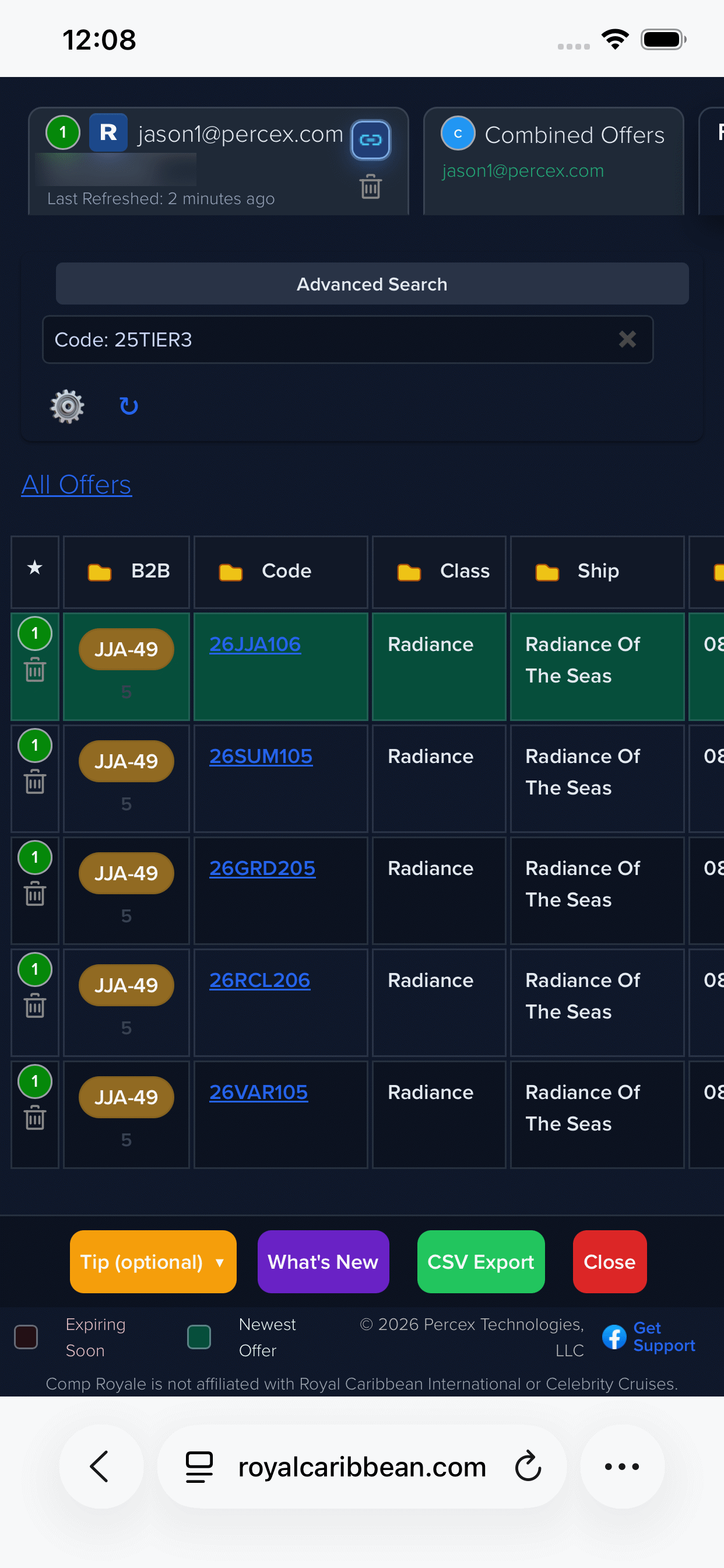
Profiles appear as tabs per saved account, and you can link two to unlock Combined Offers.
Upgrade Signals
Columns for trade-in value, offer value, and Balcony/Suite upgrade estimates.
Smart Table & Accordion
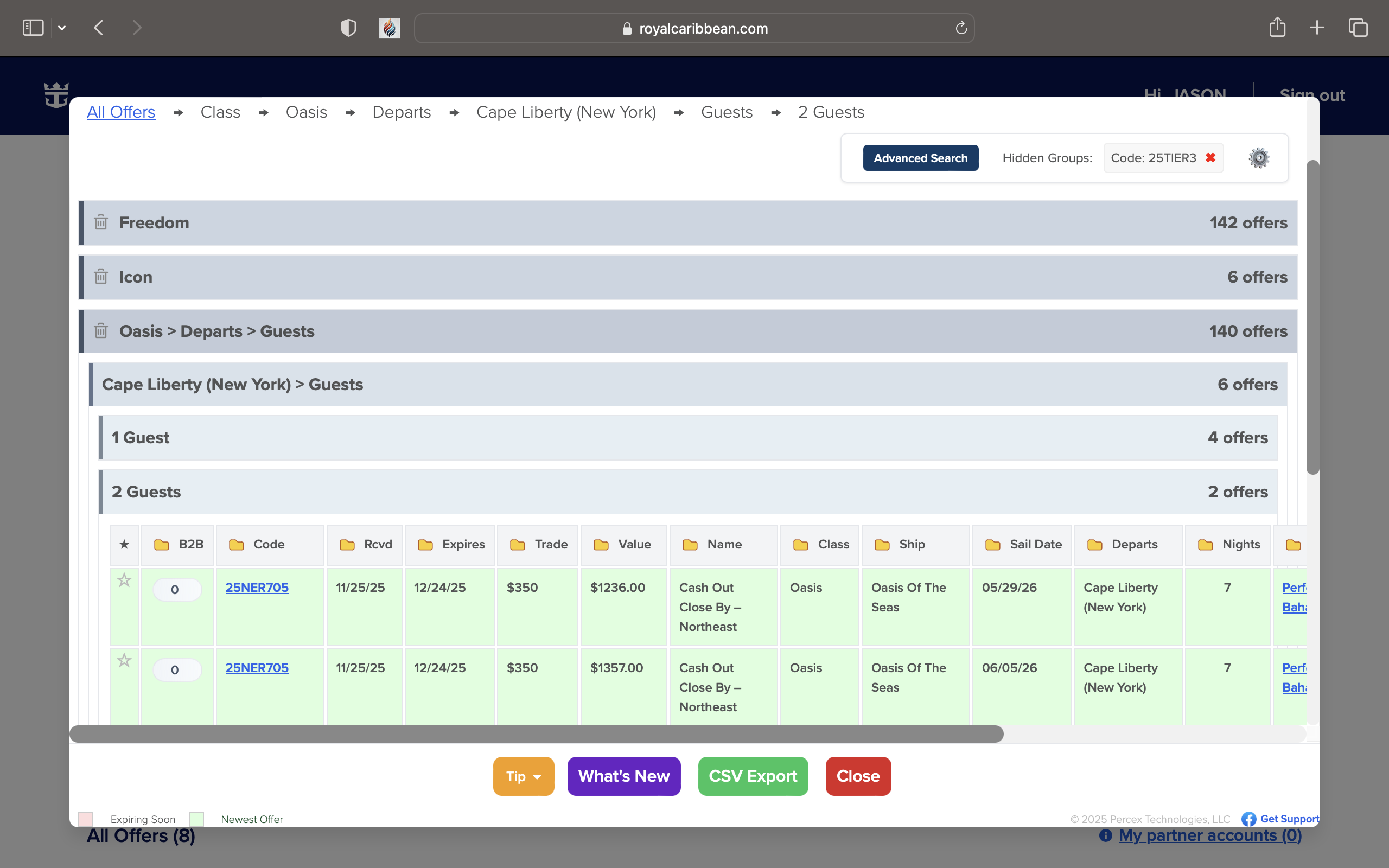
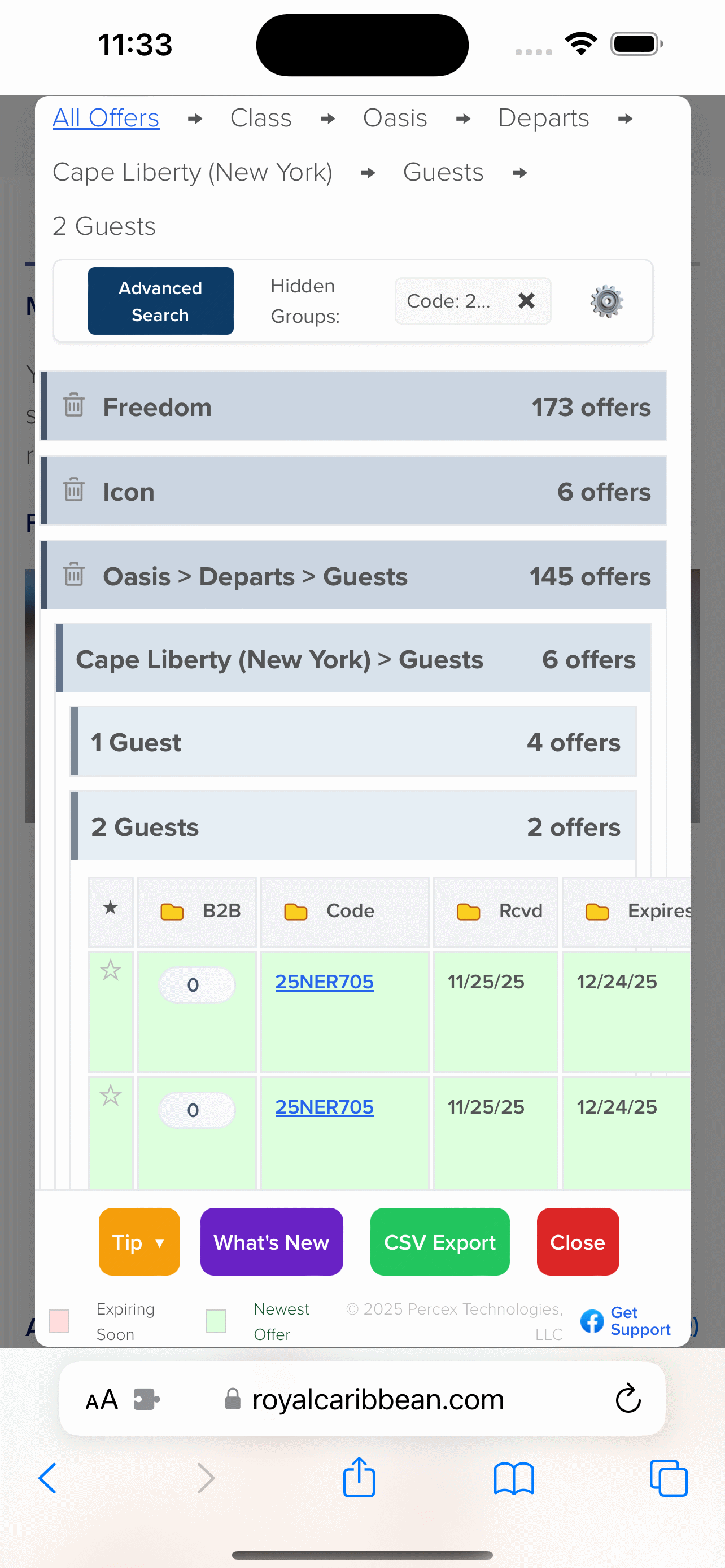
Three-state sorting and flexible grouping (ship, port, code, guests, more).
B2B Builder
Generate back-to-back itineraries with depth indicators and save chains to Favorites.
Hidden Groups
Hide entire groups you don’t want to see and keep the table focused.
Advanced Search
Layer multiple filters, including price-based “You Pay” estimates.
Privacy First
No telemetry, no network calls beyond the page you already loaded.
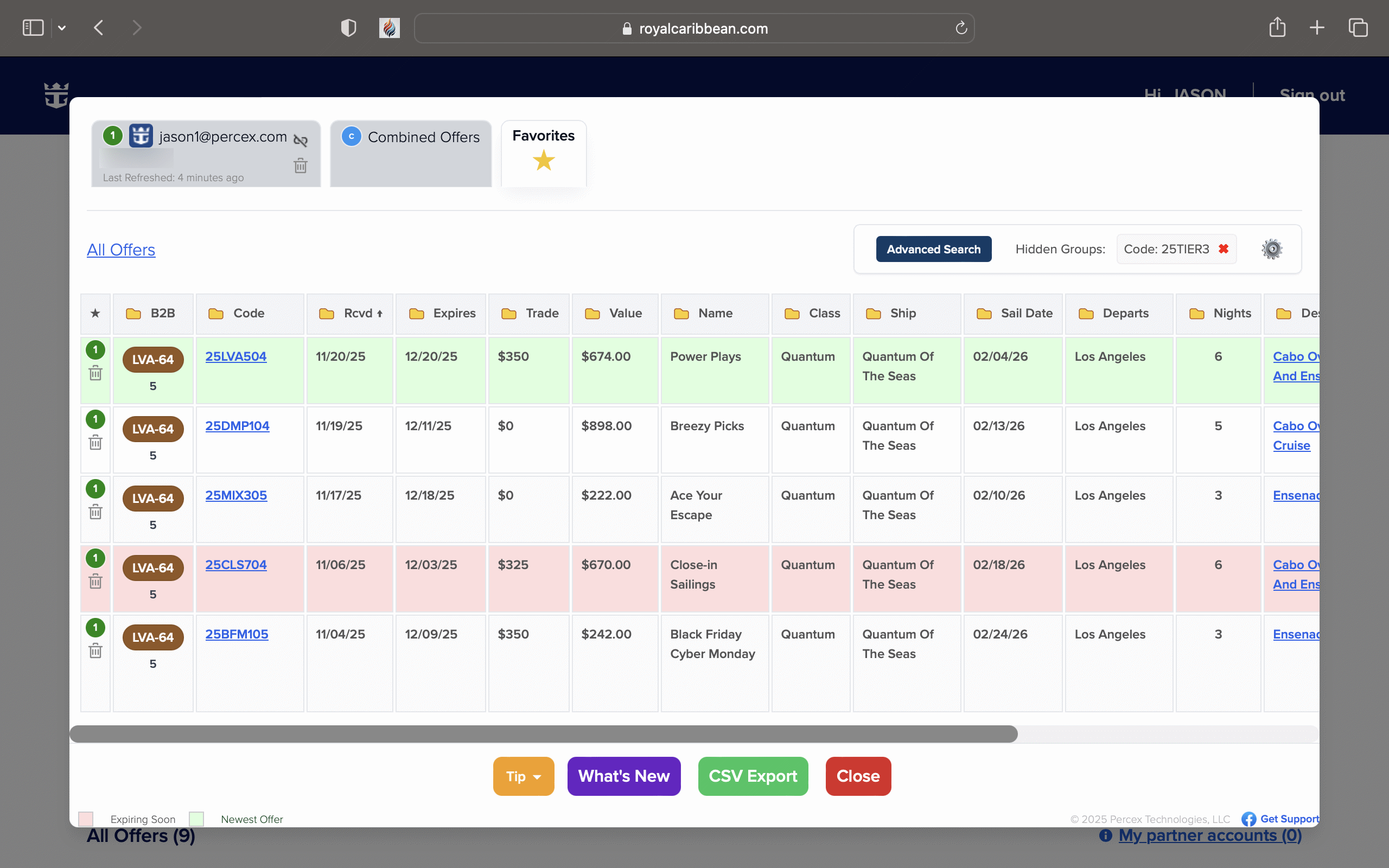
Favorites Tab
Star sailings and manage them in a dedicated Favorites view.
Interface Views
Offers Table

Accordion Mode

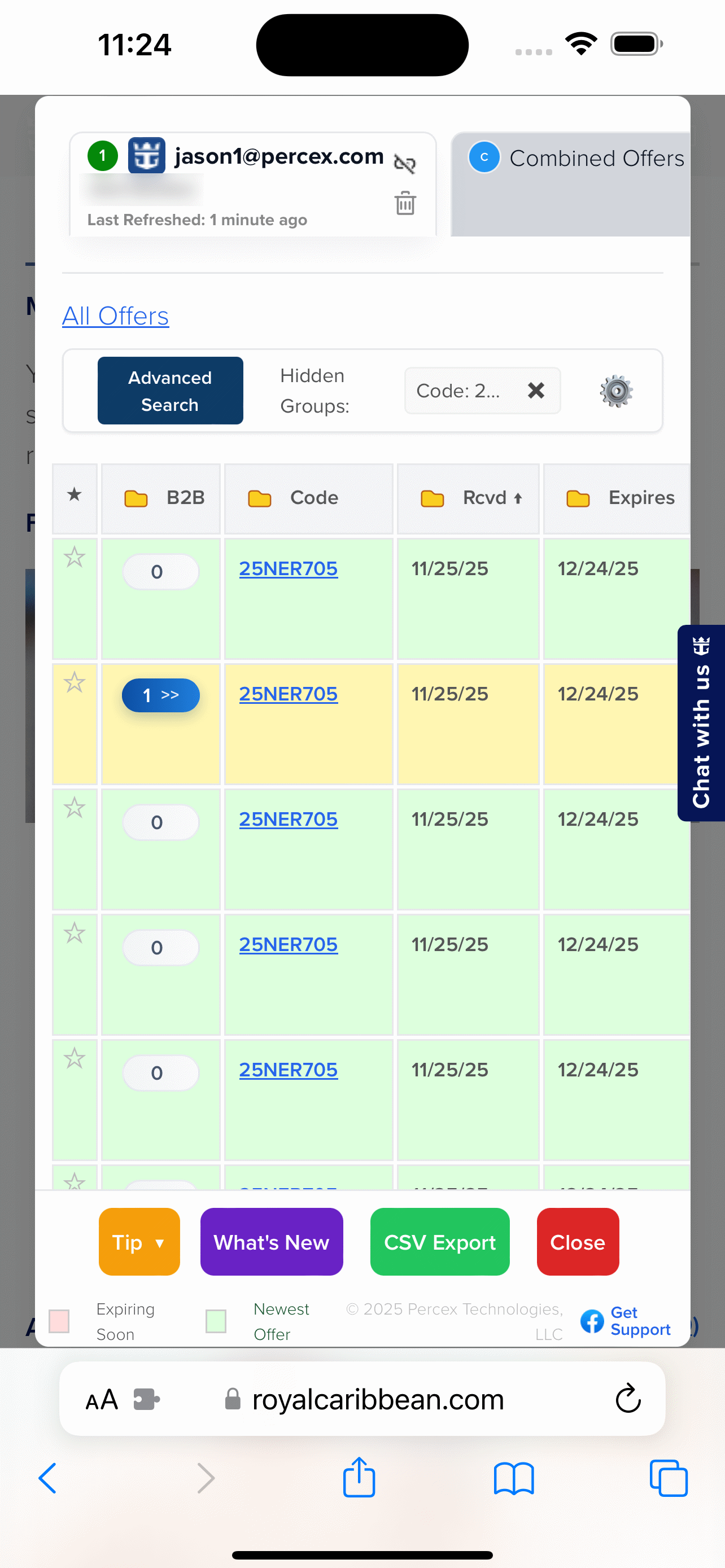
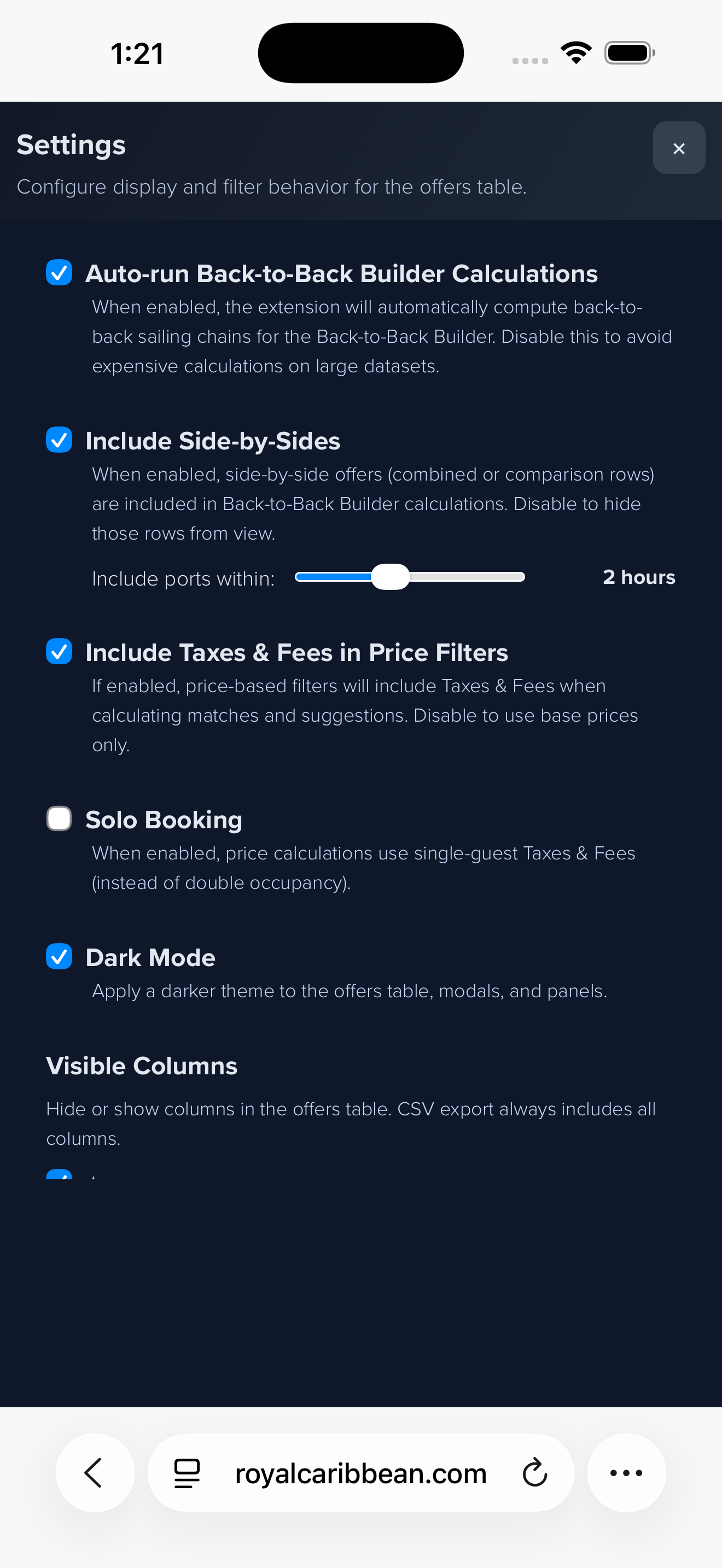
On-the-Go

Install & Use
Need help or troubleshooting? See the FAQ.
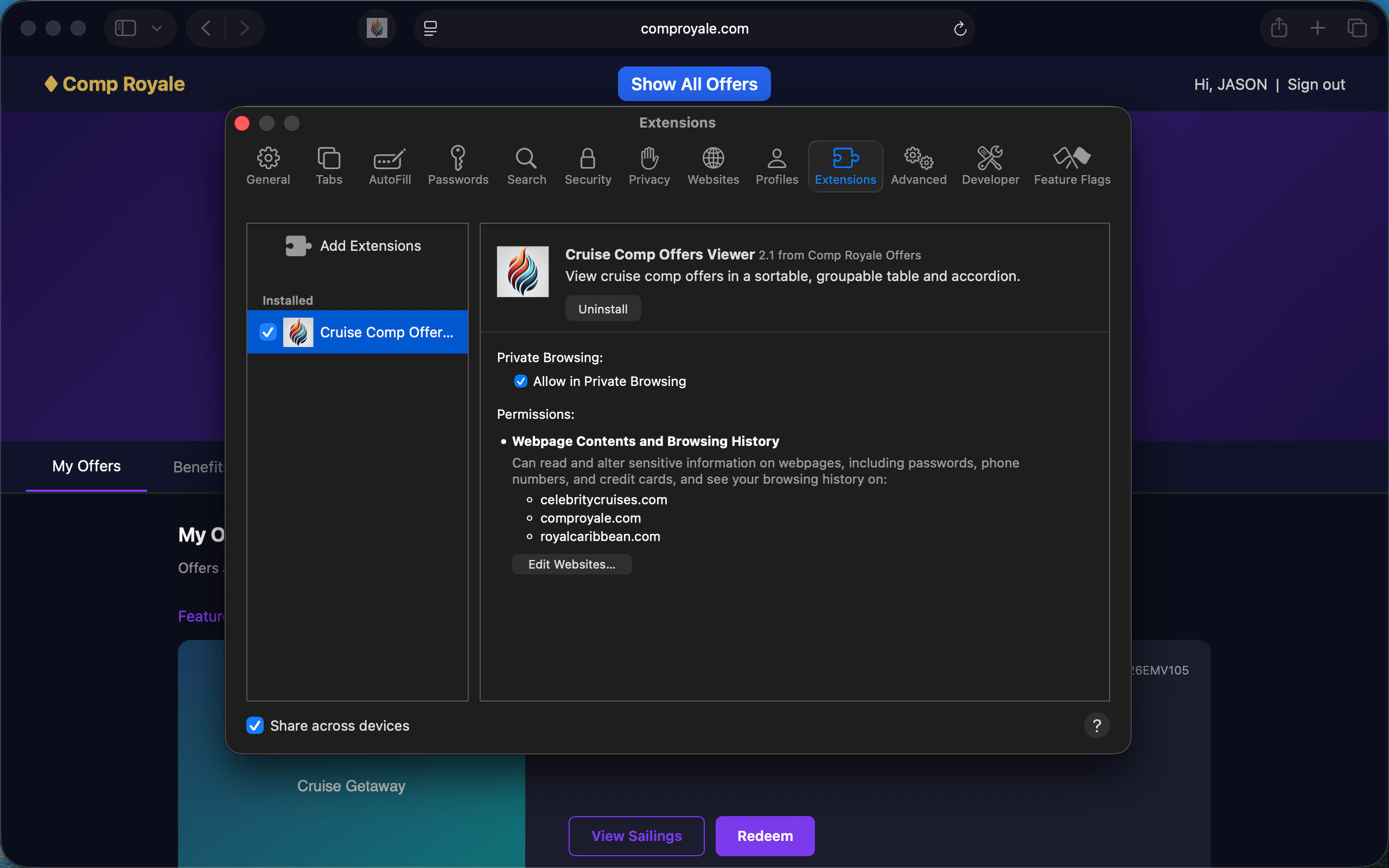
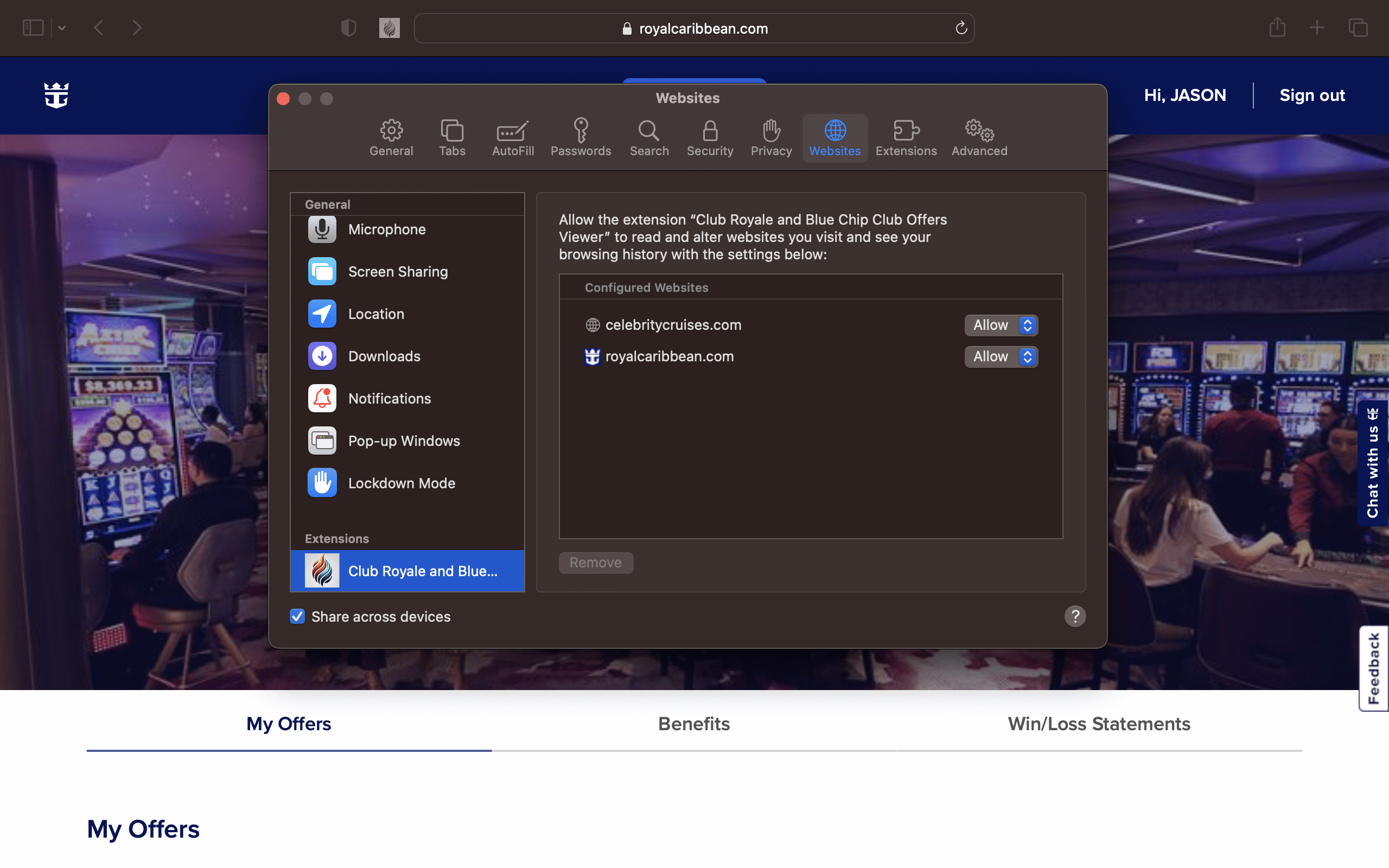
- Install from the Chrome Web Store listing.
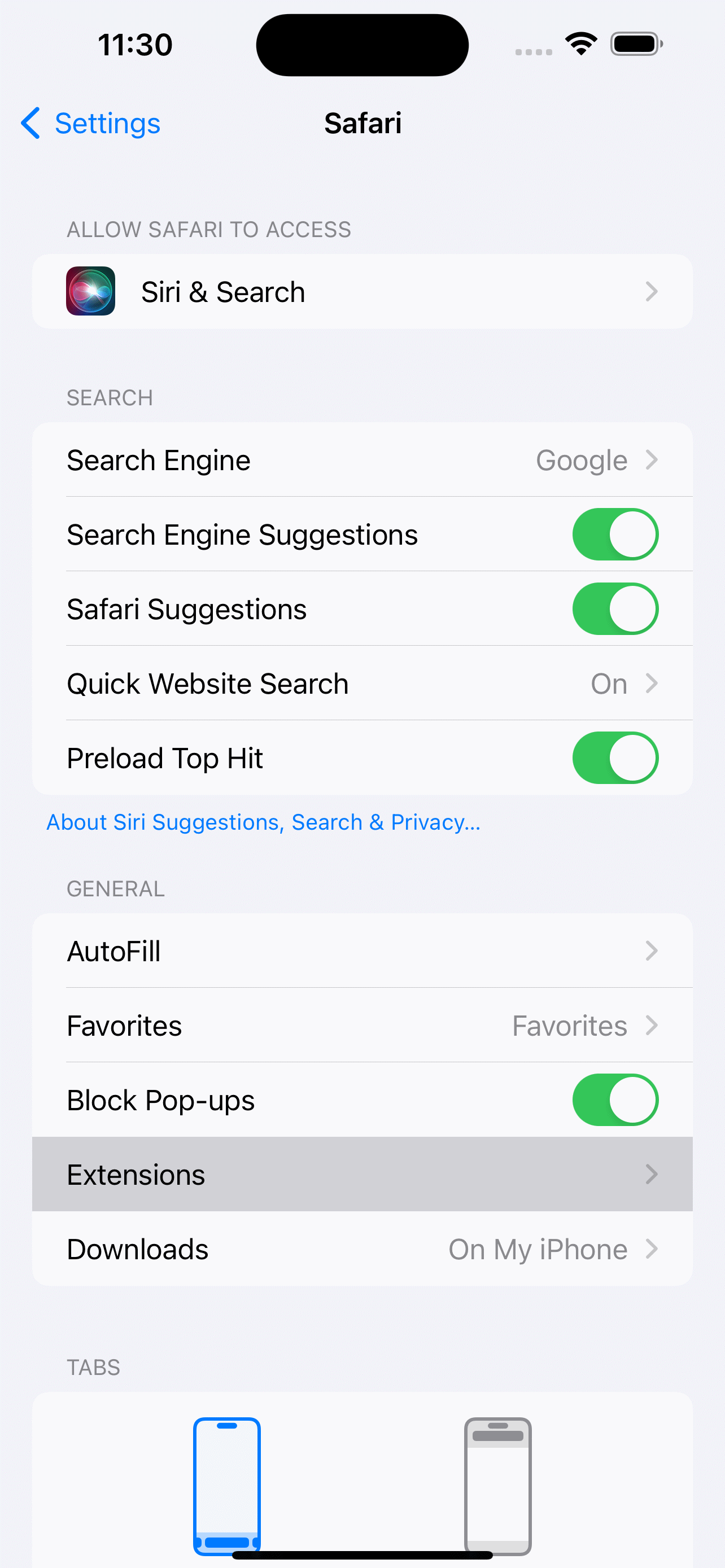
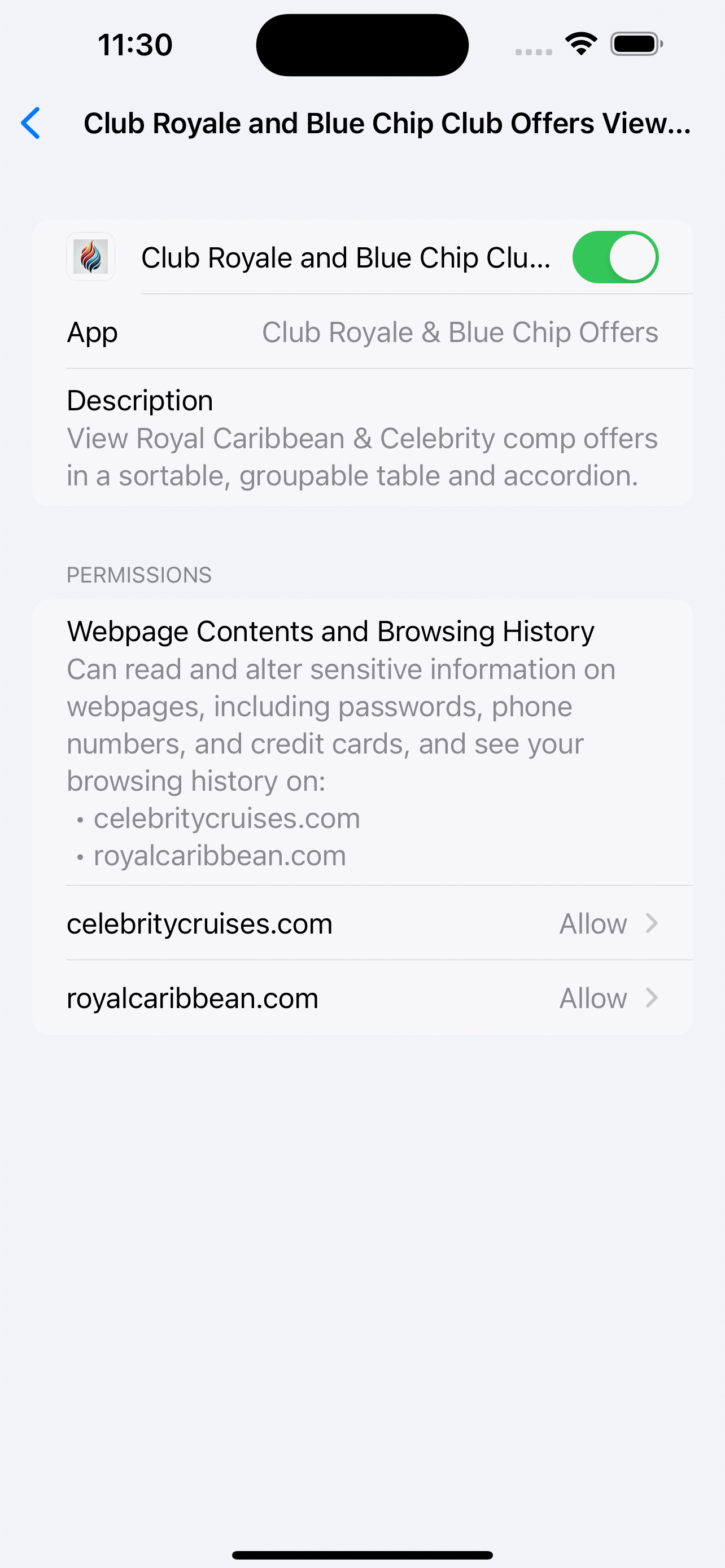
- Or install from the Firefox Add-ons page.
- Log into your Royal Caribbean or Celebrity account and open the offers page.
- Click the added Show All Offers button in the top bar.
- Switch between profiles using the tabs at the top.
- Link two profiles with the chain icon to enable Combined Offers.
- Sort columns, group, or filter as needed.
- Hide groups with the trash icon.
- Close with the X or press ESC.
No data leaves the page. Processing is local and ephemeral.
Key Details
- Available for Chrome, Firefox, and Safari
- Works on both Royal Caribbean and Celebrity offers pages
- Switch between multiple player profiles with one click
- Combine two linked accounts into a Combined Offers tab
- Instantly hide groups you don't care about
- Sort, group, and filter to find the best deals fast
- Designed for easy use on desktop
- All your data stays private in your browser
Favorites: Mark sailings you care about and view them in the Favorites tab for quick access and cross-profile management.
Quick answers
How do I link two profiles?
Load each account once with Show All Offers, then click the chain icon on both tabs to enable Combined Offers.
What does Offer Value mean?
It’s the estimated base price (dual occupancy) minus taxes/fees, used to compare upgrade costs consistently.
How do I save a B2B chain?
Open the B2B Builder from the depth pill, add connections, then click Save Chain to Favorites.
More in the full FAQ.
Privacy & Scope
The extension only reads the HTML and API response already delivered to the Offers page while you are logged into Royal Caribbean or Celebrity. It does not transmit credentials, tokens, analytics, or profile data anywhere. Disable it anytime—the script sleeps when the Offers page is closed.